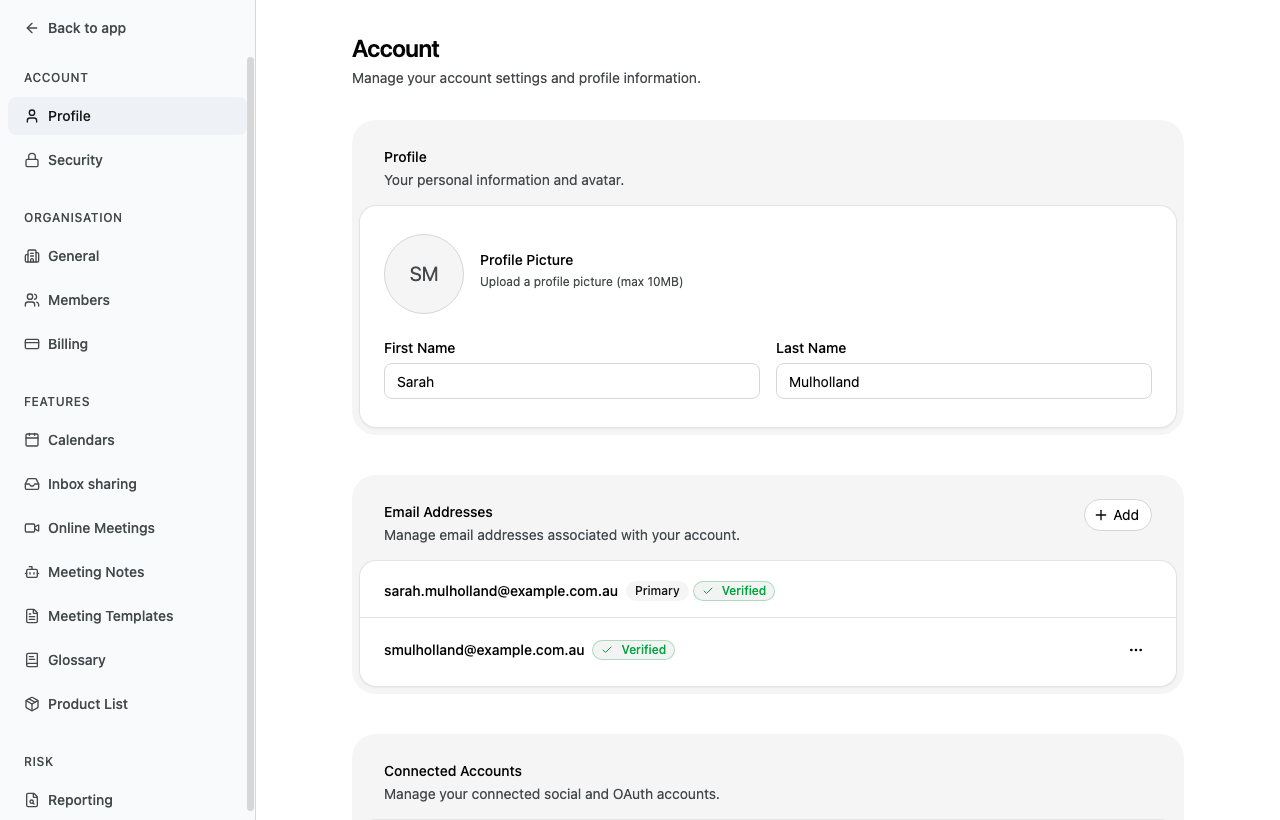
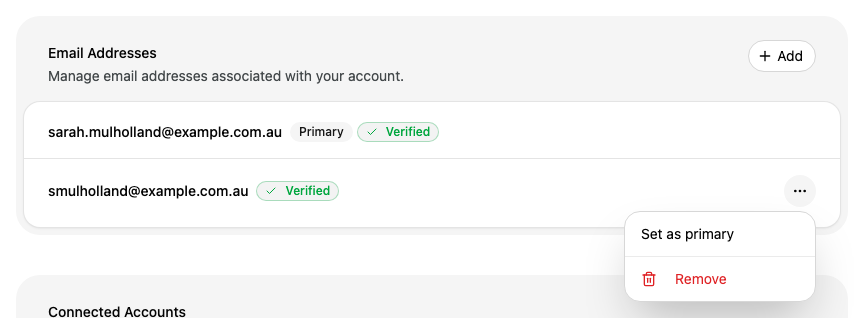
You can only make an address primary if it is marked Verified. Alcova may ask you to confirm your identity before it changes your email addresses.
Remove an email address
Next to the address, select the more menu (⋯).
Select Remove.
You cannot remove your primary address. Make another address primary first.
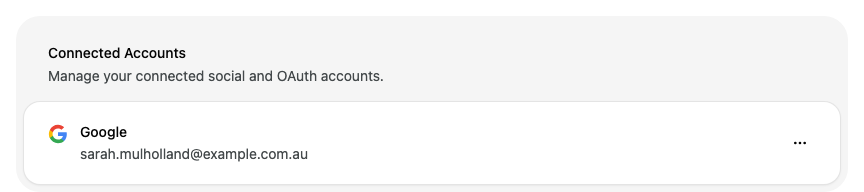
If the address belongs to a connected account, Alcova cannot remove it. Disconnect that account under Connected Accounts first, then remove the address.
Disconnect a Google or Microsoft account
Connected Accounts lists the Google or Microsoft accounts linked to your Alcova account.
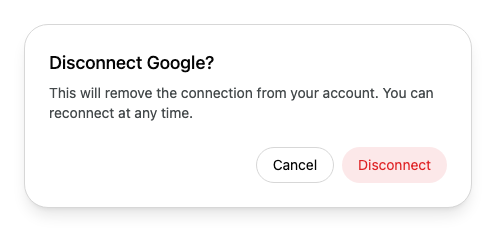
Your calendar connection uses the same account. After you disconnect it, the account no longer shows as connected under Calendars. To connect it again, see Calendars.
Leave settings
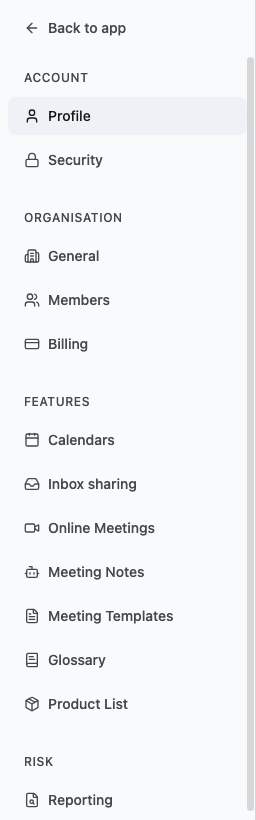
At the top of the settings menu, select Back to app. Alcova returns you to the page you were on before you opened settings. If you opened settings from a link, Alcova opens the Operator home page.
You can also press Esc.
If something goes wrong
"Please select an image file" The file you chose is not an image. Choose an image file, such as a PNG or JPEG.
"Image must be less than 10MB" Choose a smaller image.
"Unable to remove email" Alcova could not remove the address. The message says why. If the address belongs to a connected account, disconnect that account first.