Every request you send to Operator starts a conversation. This page shows you how to find a conversation, carry it on, and archive, restore or delete it.
Operator gives each conversation a title from what you asked. You cannot rename a conversation.
Open a conversation from the sidebar
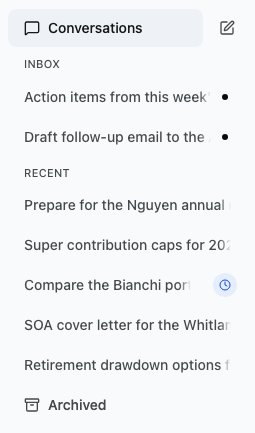
Your latest conversations are listed under Conversations in the sidebar.
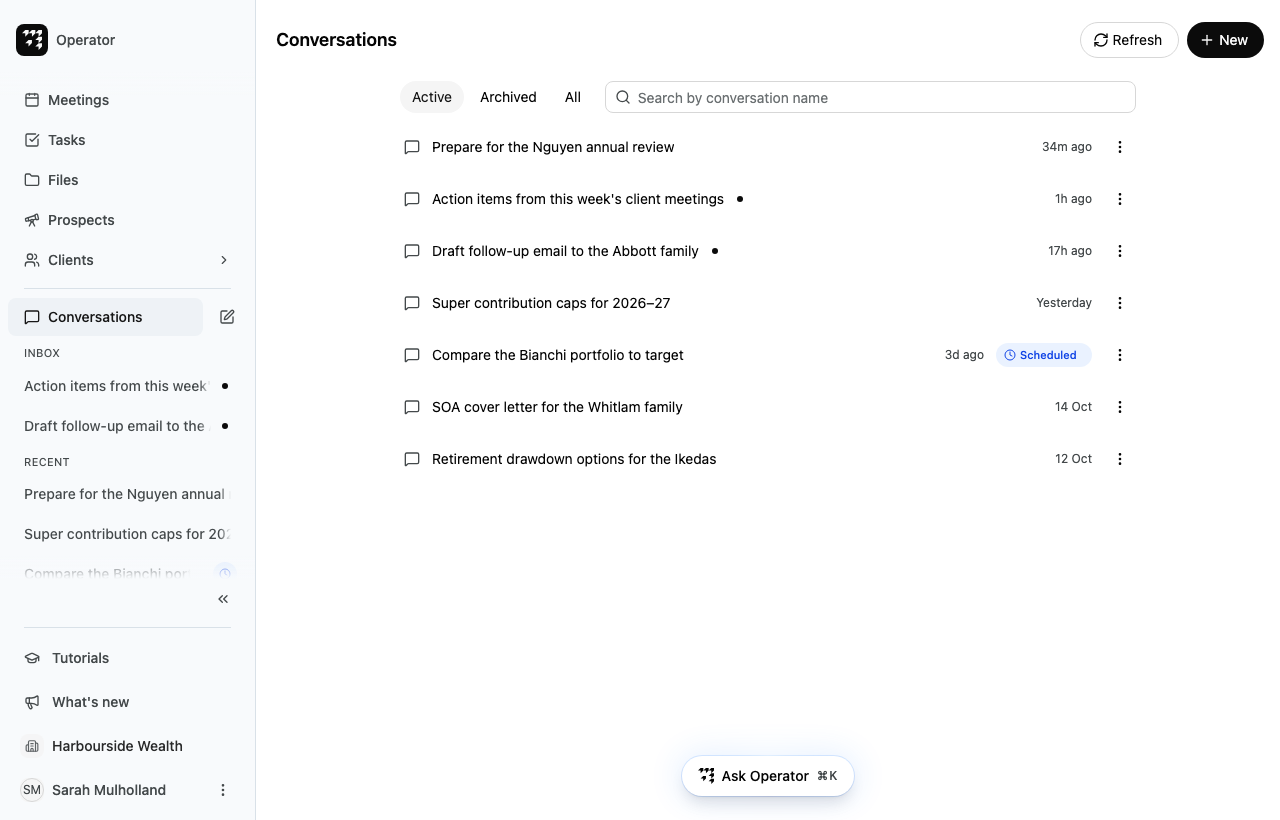
Active: conversations you have not archived. This tab opens first.
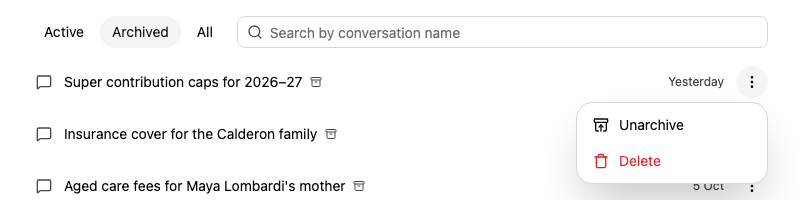
Archived: conversations you have archived.
All: both.
To filter the list, enter part of a conversation's title in Search by conversation name. The search matches titles only, not what was said in the conversation.
Select a conversation to open it.
Each row shows when the conversation was last updated. A dot marks a conversation with a reply you have not read.
To reload the list, select Refresh.
To start a new conversation from this page, select New.
Carry on a conversation
Open the conversation.
Enter your next request in the Reply... box at the bottom. You can attach files here too, the same way as on the home page.
Press Enter to send it.
While Operator is replying, you can select the square Stop generation button to stop it.
To go back to the Conversations page, select the back arrow next to the conversation's title.
Archive a conversation
Archive a conversation to take it out of your Active list without losing it.
Point to the conversation in the sidebar, or find it on the Conversations page.
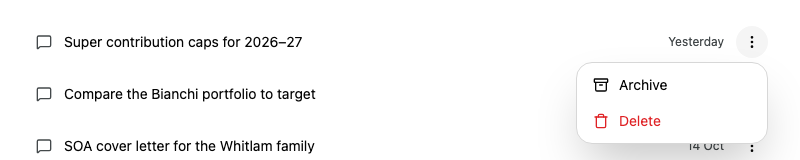
Select Actions (the three dots) at the end of its row. You can also right-click the row.
The conversation moves to the Archived tab. If Operator was still replying, Alcova stops the reply first.
You can still open and read an archived conversation, but you cannot reply in it. In place of the reply box, it shows a notice with an Unarchive button.
When a conversation is about a meeting, for example because you asked Operator from the meeting's page, the meeting page lists it under Conversations. Select a conversation there to open it. See Meetings.
If something goes wrong
Can't archive while the assistant is responding: wait for Operator to finish its reply, then try again.
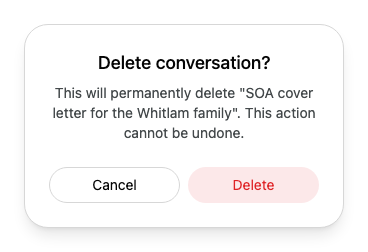
Failed to archive conversation, Failed to unarchive conversation or Failed to delete conversation: the conversation stays as it was. Try again.
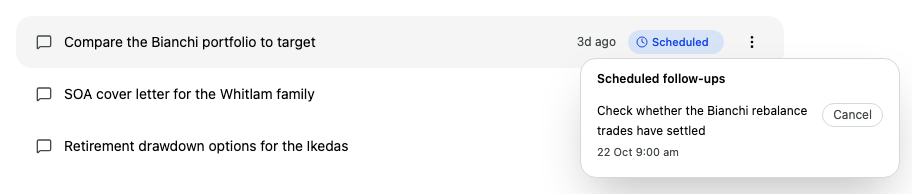
Failed to cancel scheduled action: the follow-up is still scheduled. Try again.