
Find a household's files
Open a household's data room from the household's page, so its fact finds, statements and advice documents are beside the rest of the household's details.
These files are for your firm. To share files with clients and their accountants, use the client data room. See The client data room.
Open the household's files
- In the sidebar, select Clients, then Households.
- Select the household.
- Select the Files tab.
The tab shows the household's data room. It is the same folder as the household's folder under Client Context on the Files page.
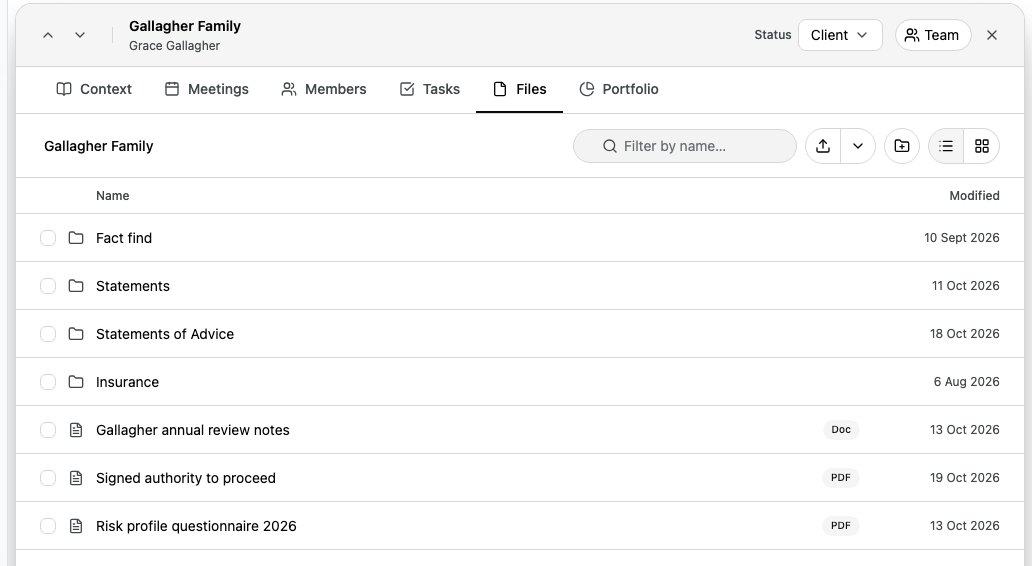
The folder path at the top starts at the household's data room. Open a folder to go further in, and select the household's name in the path to come back.
You can upload, create folders, preview, download, rename, move, copy and delete here the same way as on the Files page. See Upload and organise files and Preview and download files.
If the tab is empty
If the household has no data room yet, the tab shows No data room yet. A data room shows here once Alcova has set one up for the household.
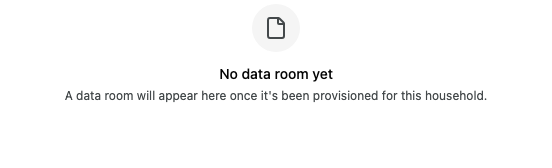
You also see this message if you do not have access to the household's data room.
If you open a link to a folder from another household, the tab shows This folder isn't in this household's data room. Select Go to data room to open this household's files.