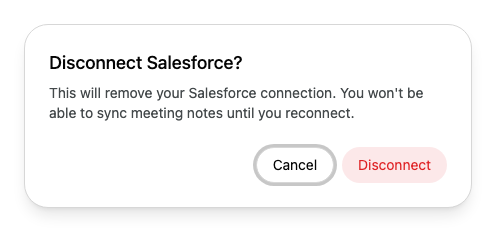
Connect your own Salesforce account to Alcova, check that the connection still works, and reconnect or disconnect it.
Your organisation's Salesforce integration links Alcova to your firm's CRM. Each person also connects their own Salesforce account. You need a working connection to sync meeting notes to Salesforce.
Before you start
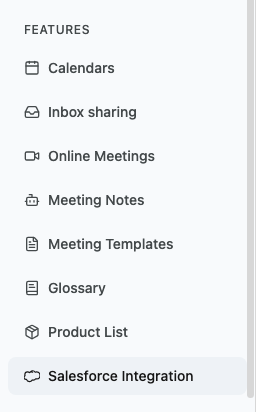
The Salesforce Integration page appears only when your organisation uses Salesforce with Alcova. If your organisation does not have a CRM integration, or uses Dynamics 365, the page does not appear in your settings.
You need a Salesforce login for your firm's Salesforce.
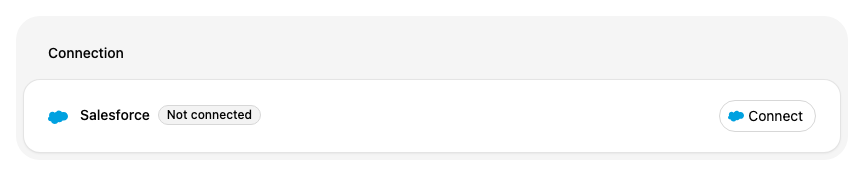
Alcova takes you to Salesforce. Sign in with your Salesforce login.
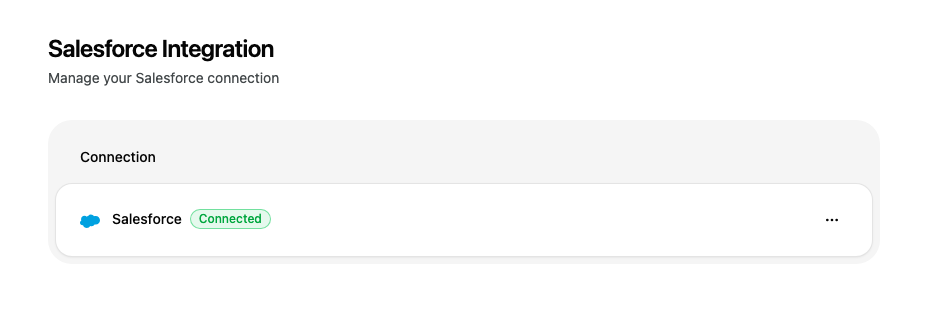
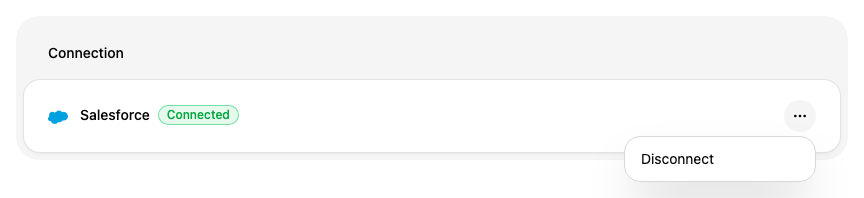
When you return to Alcova, the card changes to Connected. This can take up to a minute.
Reconnect an expired connection
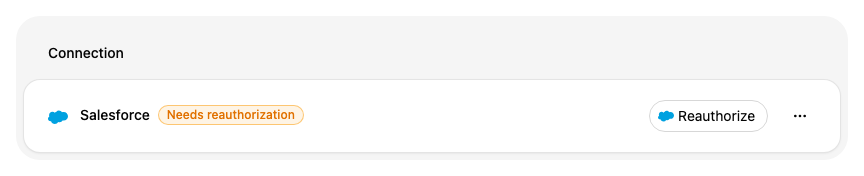
If your connection stops working, the card says Needs reauthorization. Alcova may also show A connected account needs to be reconnected at the top of the app. Select that message to open this page.