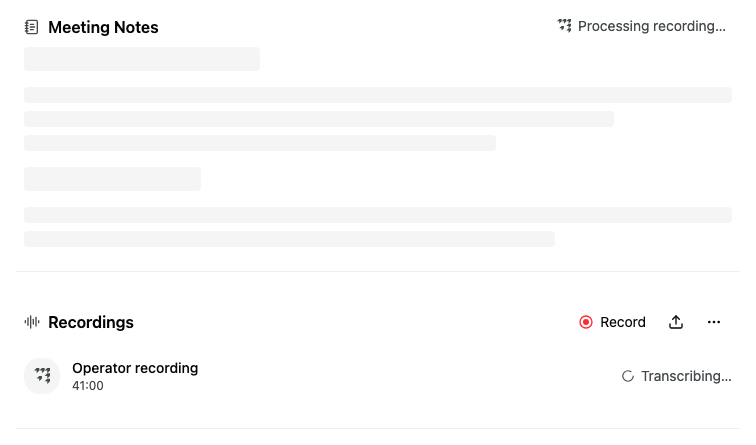
After a meeting, Alcova needs some time to transcribe the recording. While it works, the recording shows Transcribing… and the meeting notes show Processing recording…. On the Meetings page, the meeting shows Processing....
The transcript and the notes appear when it finishes. You do not need to reload the page.
If a recording could not be transcribed, it shows Failed.
How long transcripts are kept
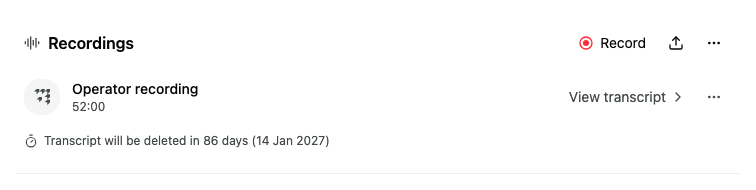
Your organisation can delete transcripts automatically after a set time. When that applies, a line below the recordings says when, for example Transcript will be deleted in 86 days (14 Jan 2027). After the date, it says Transcript deleted on and the date, and the meeting shows Transcript deleted on the Meetings page.